flash cs3中创建紫色正方形
1、打开flash软件,进入它的主界面中;

2、按ctrl+N,选择好文件类型,按确定;

3、进入falsh的空白页面;
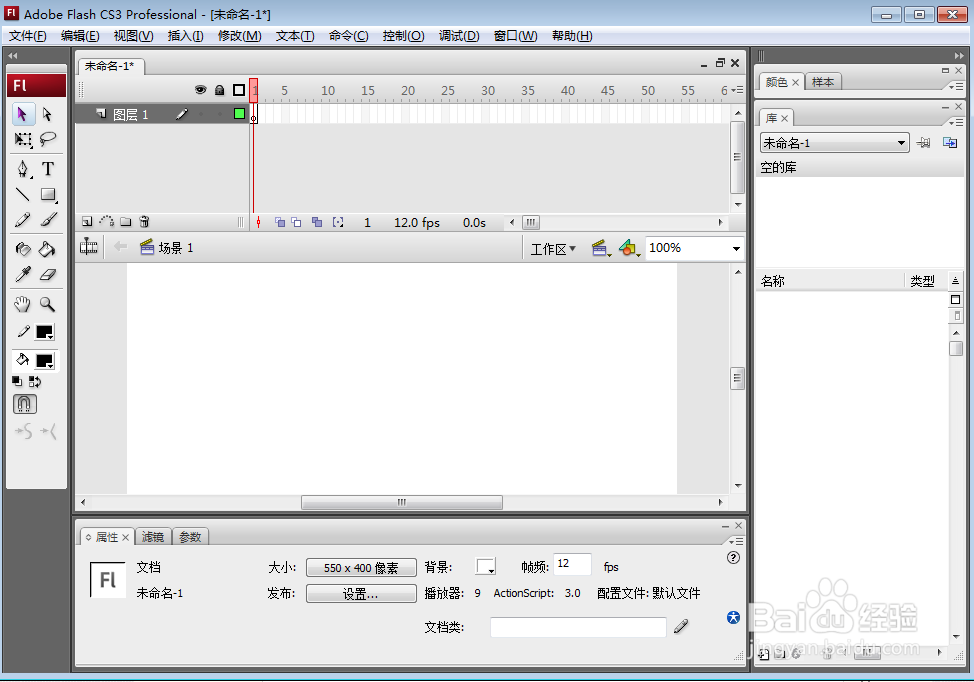
4、将笔触颜色和填充颜色设为紫色;

5、用鼠标点击矩形工具;

6、左手按下换档键不放,右手按下鼠标左键,拖动鼠标,画出一个正方形;
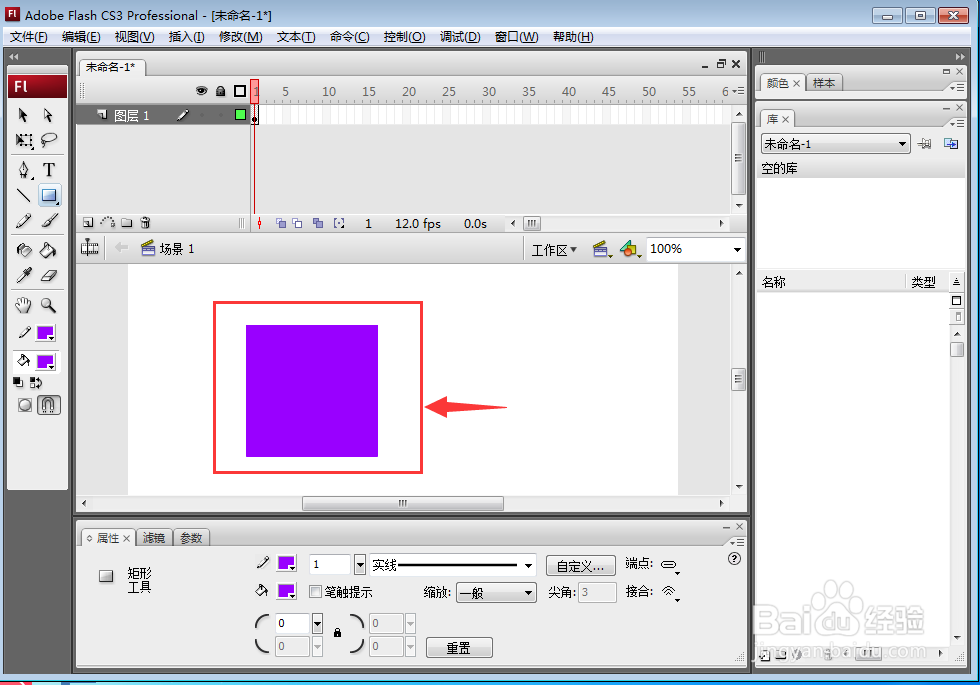
7、我们就在flash中创建好了一个紫色正方形。

阅读量:69
阅读量:87
阅读量:29
阅读量:115
阅读量:162
1、打开flash软件,进入它的主界面中;
2、按ctrl+N,选择好文件类型,按确定;
3、进入falsh的空白页面;
4、将笔触颜色和填充颜色设为紫色;
5、用鼠标点击矩形工具;
6、左手按下换档键不放,右手按下鼠标左键,拖动鼠标,画出一个正方形;
7、我们就在flash中创建好了一个紫色正方形。