excel表格如何设定行高距?
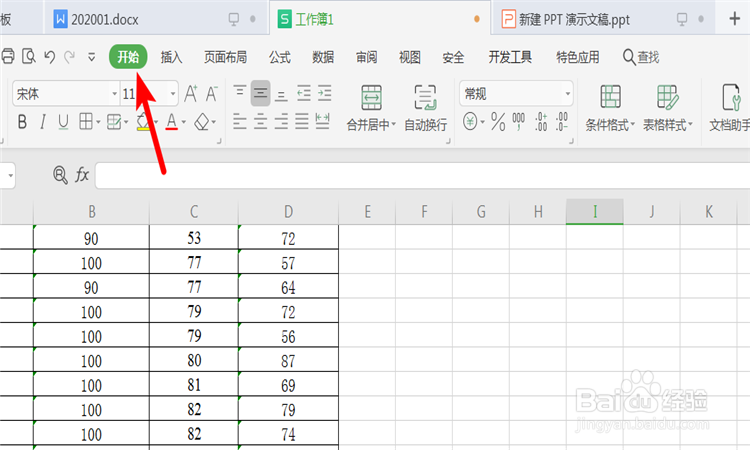
1、打开exel表格,点击“开始”功能键。
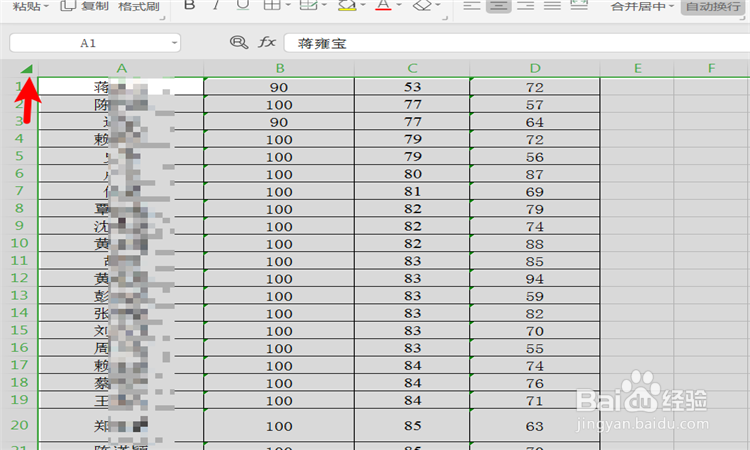
2、点击表格左侧三角形区域,选择整个表格。
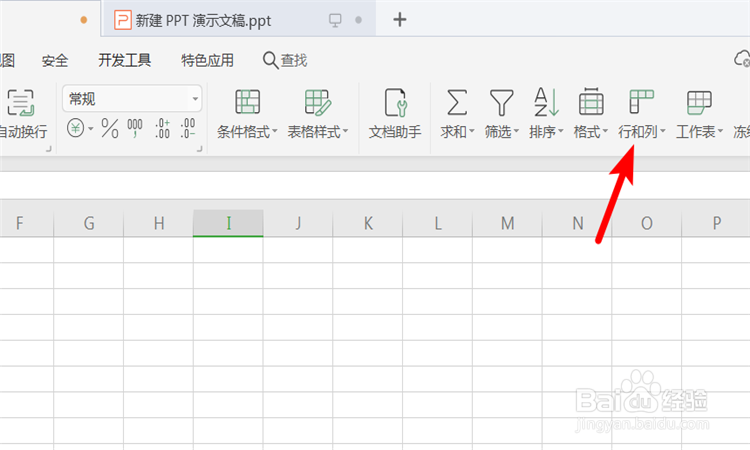
3、点击“行和列”功能键。
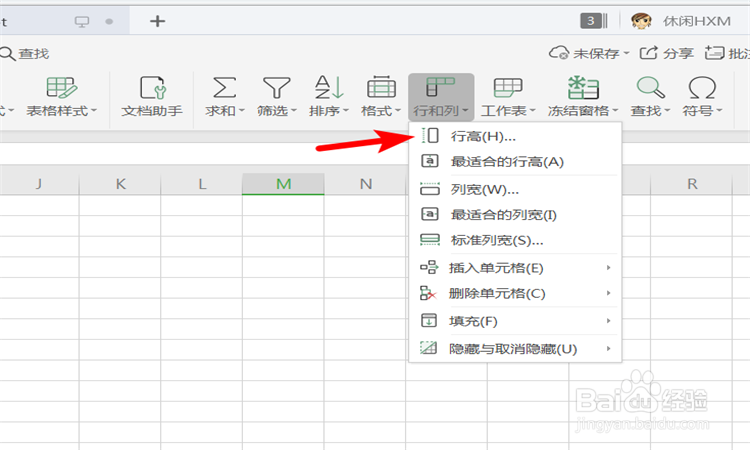
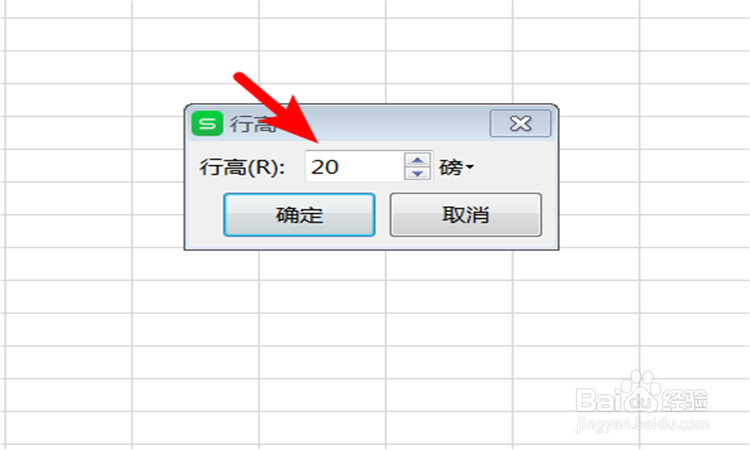
4、点击“行高”功能键。
5、设定行高的数值。
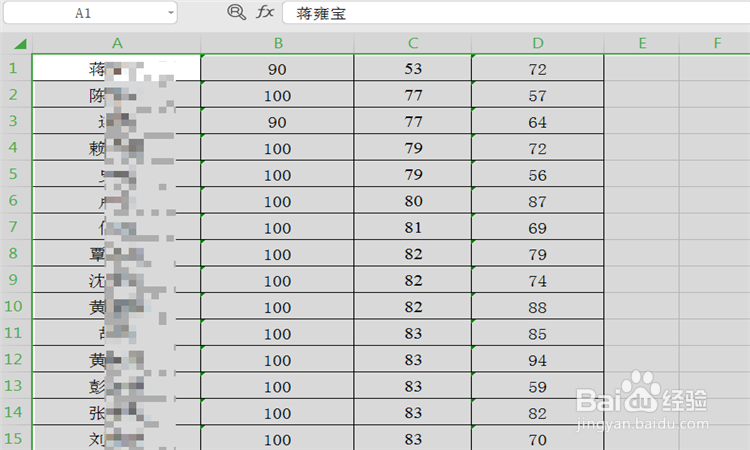
6、则选定的表格按设定的行高值形成行高距。
1、 打开exel表格,点击“开始”功能键。
2、 点击表格左侧三角形区域,选择整个表格。
3 、点击“行和列”功能键。
4 、点击“行高”功能键。
5、 设定行高的数值。
6、则选定的表格按设定的行高值形成行高距。
阅读量:180
阅读量:109
阅读量:184
阅读量:91
阅读量:64