acfun怎么注销账号
1、首先我们在手机上点击“acfun”。

2、打开acfun首页以后,点击“我的”。

3、向上滑动acfun个人中心,而后点击“设置”。


4、向上滑动设置列表,然后点击“注销账号”。

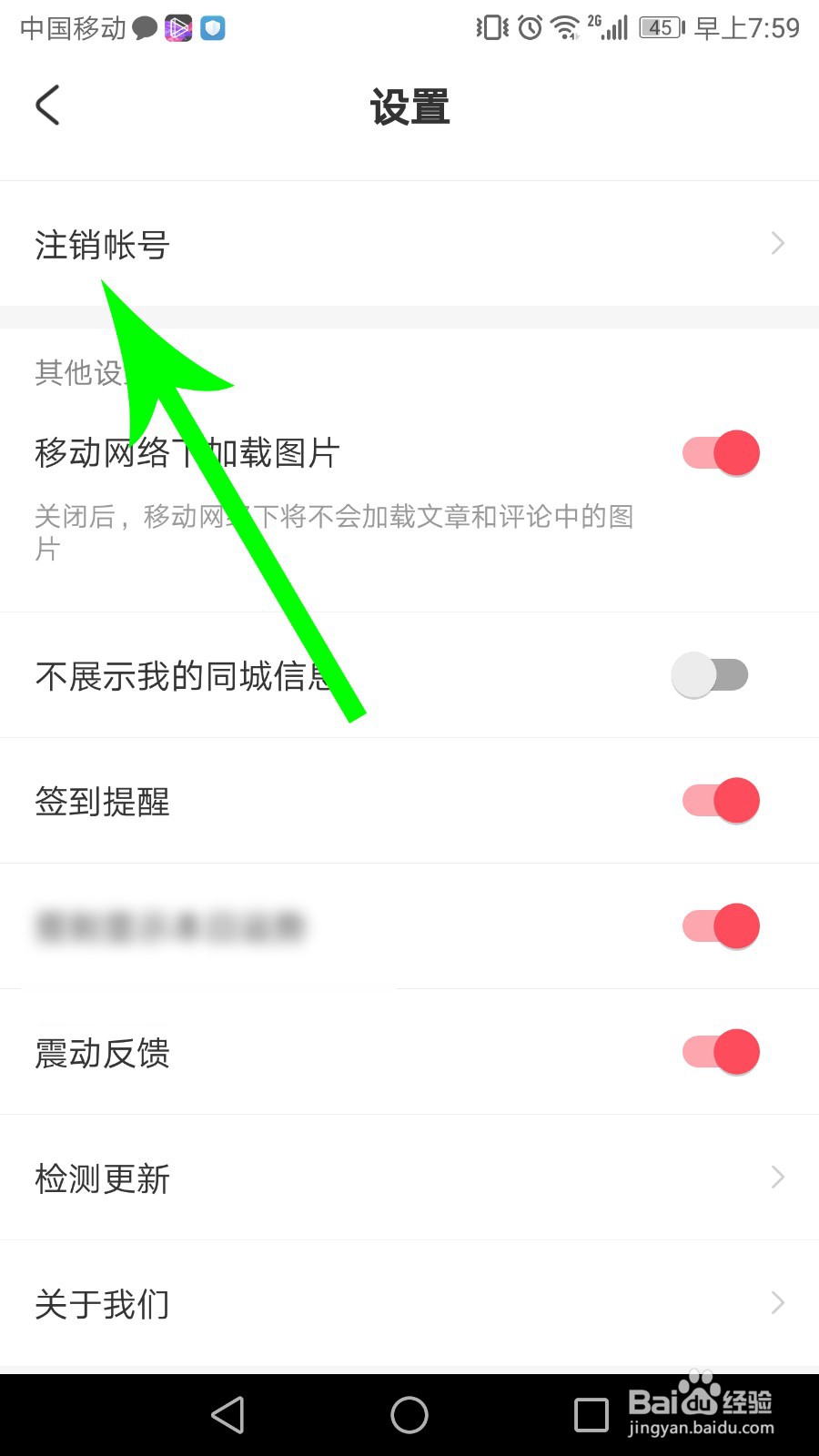
5、打开注销账号界面以后,就找到注销账号方法了。

阅读量:196
阅读量:182
阅读量:82
阅读量:136
阅读量:26
1、首先我们在手机上点击“acfun”。
2、打开acfun首页以后,点击“我的”。
3、向上滑动acfun个人中心,而后点击“设置”。
4、向上滑动设置列表,然后点击“注销账号”。
5、打开注销账号界面以后,就找到注销账号方法了。