Windows下Python安装
1、到python官网下载安装文件python-2.7.14.msi:
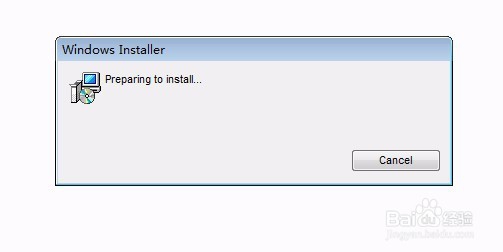
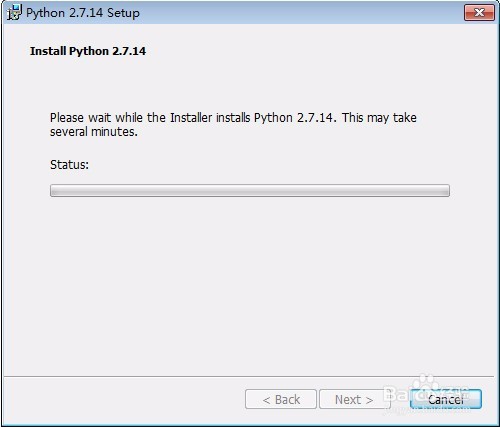
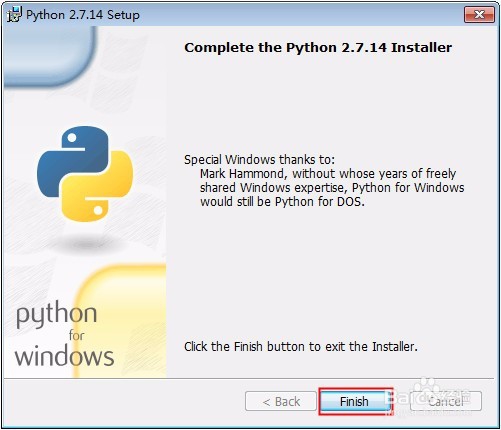
2、双击“python-2.7.14.msi”进行安装:
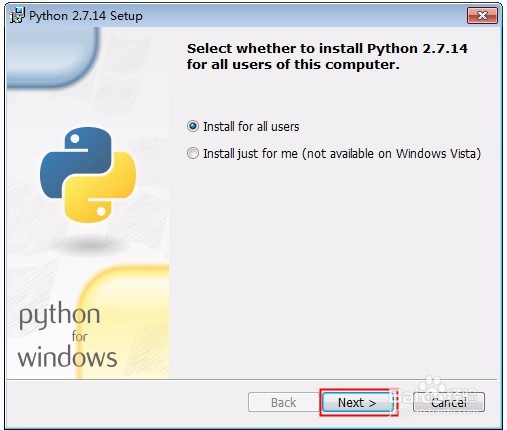
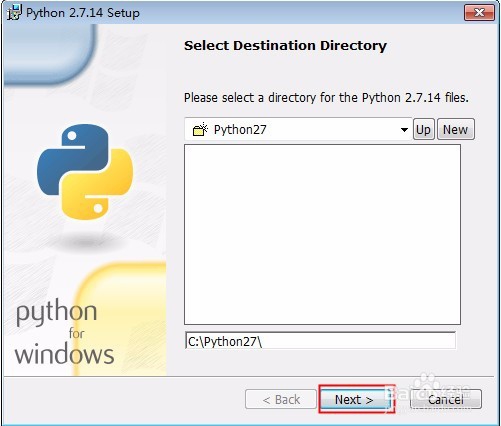
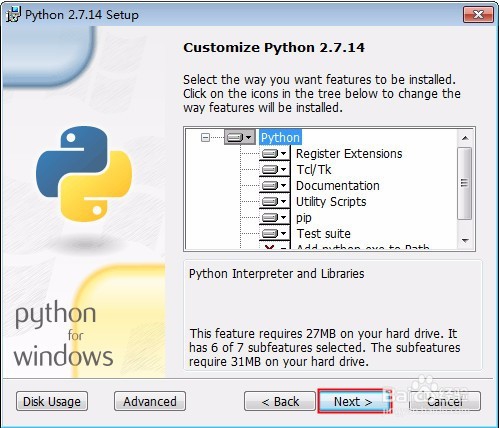
安装的过程中直接按照提示界面依次进行下一步即可互膨。
3、设置python环境变量:
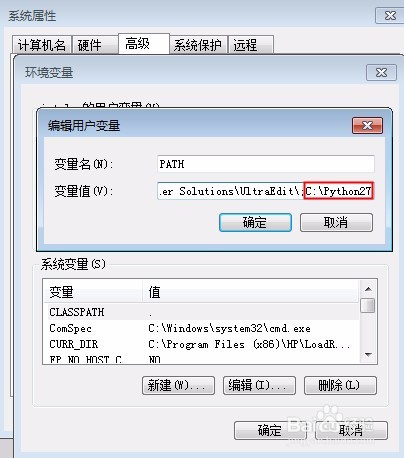
修改我的电脑->属性->高级->环境搁墨变量->系统变量中的PATH为第2步中设置的安装路径,如下图所示。
4、检查Python是否安装成功
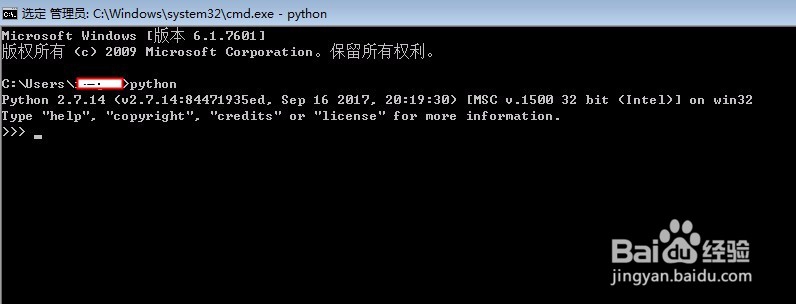
windows系统,运行cmd,进入dos窗口,输入python,安装成功的话可以看到版本信息并进入编程模式,如下毙侧露图所示:
C:\Users\it_gzs>python
Python 2.7.14 (v2.7.14:84471935ed, Sep 16 2017, 20:19:30) [MSC v.1500 32 bit (Intel)] on win32
Type "help", "copyright", "credits" or "license" for more information.
>>>
阅读量:109
阅读量:195
阅读量:196
阅读量:94
阅读量:29